
Take Maximo into the field — without the usual complexity.
Maximo mobility, simplified.
Give technicians, inspectors, supervisors, and inventory teams a faster, more intuitive way to execute work, complete inspections, and capture trusted field data — online or offline.
- Connect directly with IBM Maximo Application Suite without a separate middleware layer.
- Configure the mobile experience around your users and processes instead of rebuilding the app.
- Keep work moving in disconnected environments and sync field activity back to Maximo when connectivity returns.
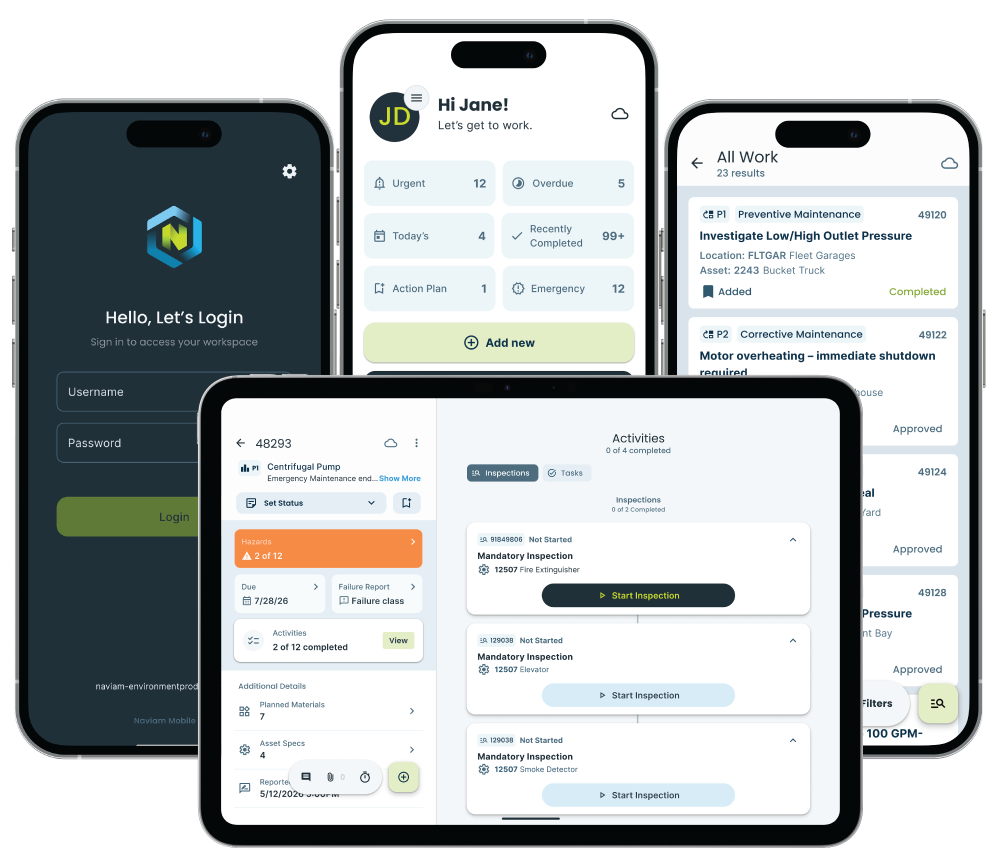
Give field teams the right Maximo experience at the point of work.
Naviam Mobile is designed around completing work in the field — not shrinking a desktop application onto a smaller screen.
Move work from assigned to complete
Review work details, update status, record labor, add work logs and attachments, complete tasks, and capture field information where the work happens.
Turn inspections into guided field workflows
Capture readings, photos, attachments, dates, times, signatures, and conditional information while building a more complete operational record in Maximo.
Keep work moving without reliable connectivity
Access assigned work and continue key field activities offline, then synchronize changes back to Maximo when a connection becomes available.
Put materials and inventory in the technician’s hand
Review planned materials, search available inventory, select bins and quantities, and use device barcode scanning to identify items in the field.
Capture issues closer to the moment they happen
Report issues and create service requests with the information and evidence needed to start the next process faster.
Show users the work that matters to them
Support multiple Maximo assignment strategies including labor, crews, ownership, and work groups so users can focus on relevant work.
Download. Connect. Install.
Naviam Mobile is built to reduce the infrastructure and complexity traditionally associated with enterprise mobile deployments.
Configure the experience. Don’t rebuild the app.
Adjust supported work categories, module visibility, business logic, status behavior, roles, and fields so the mobile experience can evolve as your processes change.
Start with everyday field execution. Expand as your operation evolves.
Naviam Mobile supports different levels of field mobility within the same application, from straightforward work and inspections to advanced offline, GIS, inventory, supervisory, and operational requirements.
Essential mobility
Core work execution, Maximo inspections, assigned work offline, work logs, attachments, service requests, labor entry, and common field data capture.
Expanded field operations
Add inventory management, richer offline requirements, configurable field experiences, broader work execution, and GIS-enabled processes.
Complex operational workflows
Support deeper specialized workflows, sophisticated offline use cases, supervisory needs, advanced GIS, and complex operational environments.
See what Naviam Mobile could look like for your field teams.
Request a personalized demo and explore how Naviam Mobile can simplify Maximo field execution, improve data capture, and support your operation online or offline.
Request a Demo